 b9e0cf8235
Add 30 documented HID++ 2.0 feature names from LGHUB source analysis: keyboard/mouse (PROPERTY_ACCESS, BLE_PRO_PRE_PAIRING, FULL_KEY_CUSTOMIZATION, CONTROL_LIST, SWITCH_SWAPABILITY, DEVICE_MODE, ENABLE_HIDDEN_FEATURES, KEYBOARD_DISABLE_CONTROLS, LOGI_MODIFIERS), racing peripherals (RPM_INDICATOR, RPM_LED_PATTERN, LEGACY/AXIS_RESPONSE_CURVE, BANDED_AXIS, COMBINED_PEDALS, BUNNY_HOPPING, PROFILE_MANAGEMENT, DUAL_CLUTCH, WHEEL_CENTER_POSITION, DISPLAY_GAME_DATA, CENTER_SPRING, AXIS_MAPPING, GLOBAL_DAMPING, BRAKE_FORCE, PEDAL_STATUS, TORQUE_LIMIT, CONFIGURATION_PROFILES, OPERATING_RANGE, TRUE_FORCE, FFB_FILTER). Sort RPM_INDICATOR/RPM_LED_PATTERN (0x807A-B) before PER_KEY_LIGHTING (0x8080-81) to maintain ID ordering. |
||
|---|---|---|
| .github | ||
| bin | ||
| docs | ||
| lib | ||
| po | ||
| rules.d | ||
| rules.d-uinput | ||
| share | ||
| tests | ||
| tools | ||
| .coveragerc | ||
| .git-blame-ignore-revs | ||
| .gitignore | ||
| .pre-commit-config.yaml | ||
| .python-version | ||
| CHANGELOG.md | ||
| COPYRIGHT | ||
| LICENSE.txt | ||
| MANIFEST.in | ||
| Makefile | ||
| README.md | ||
| RELEASE.md | ||
| RHEL.md | ||
| Release_Notes.md | ||
| mkdocs.yml | ||
| pyproject.toml | ||
| release.sh | ||
| setup.py | ||
README.md
 Solaar
Solaar is a Linux manager for many Logitech keyboards, mice, and other devices that connect wirelessly to a Unifying, Bolt, Lightspeed or Nano receiver as well as many Logitech devices that connect via a USB cable or Bluetooth. Solaar is not a device driver and responds only to special messages from devices that are otherwise ignored by the Linux input system.
More Information - Usage - Capabilities - Rules - Manual Installation - Known Issues


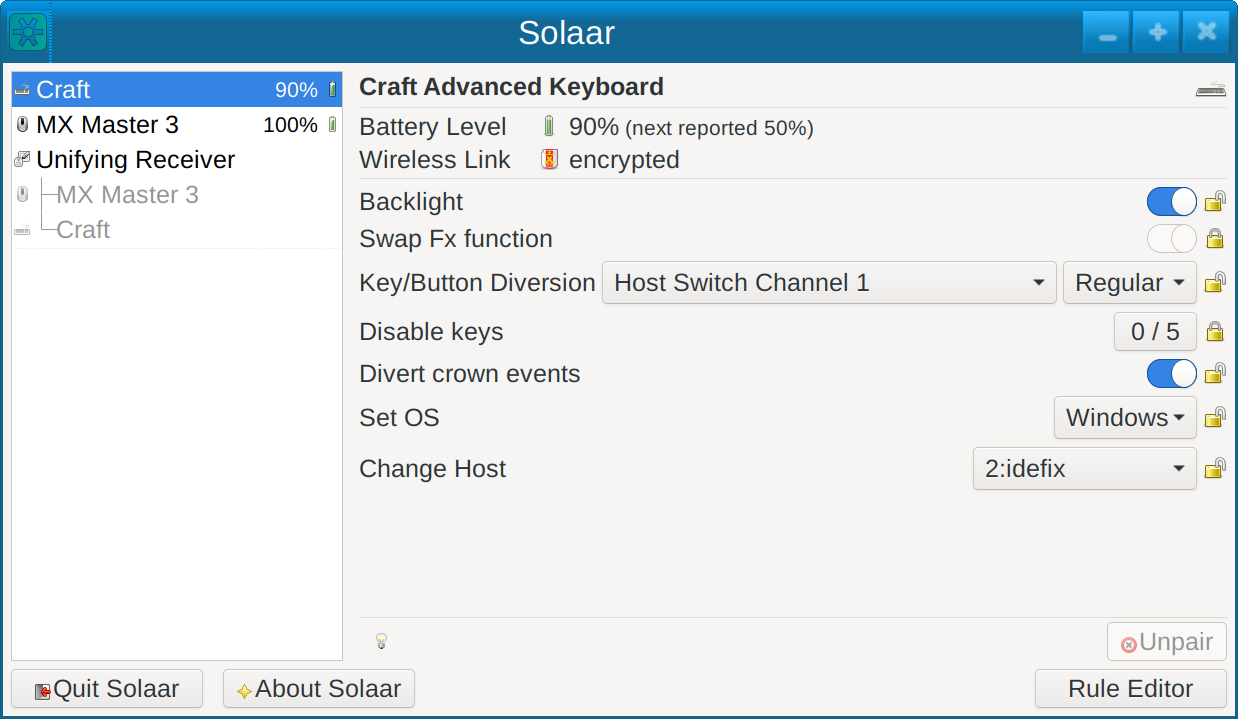
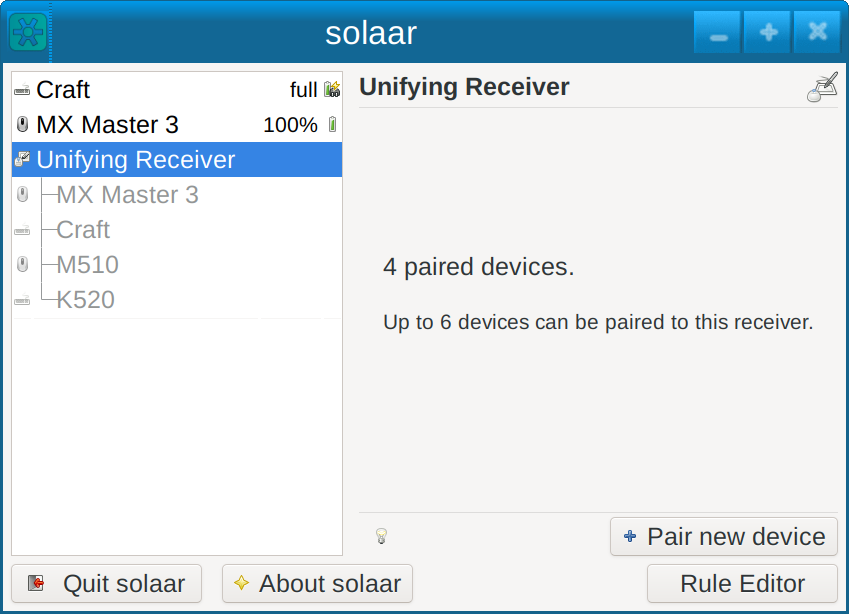
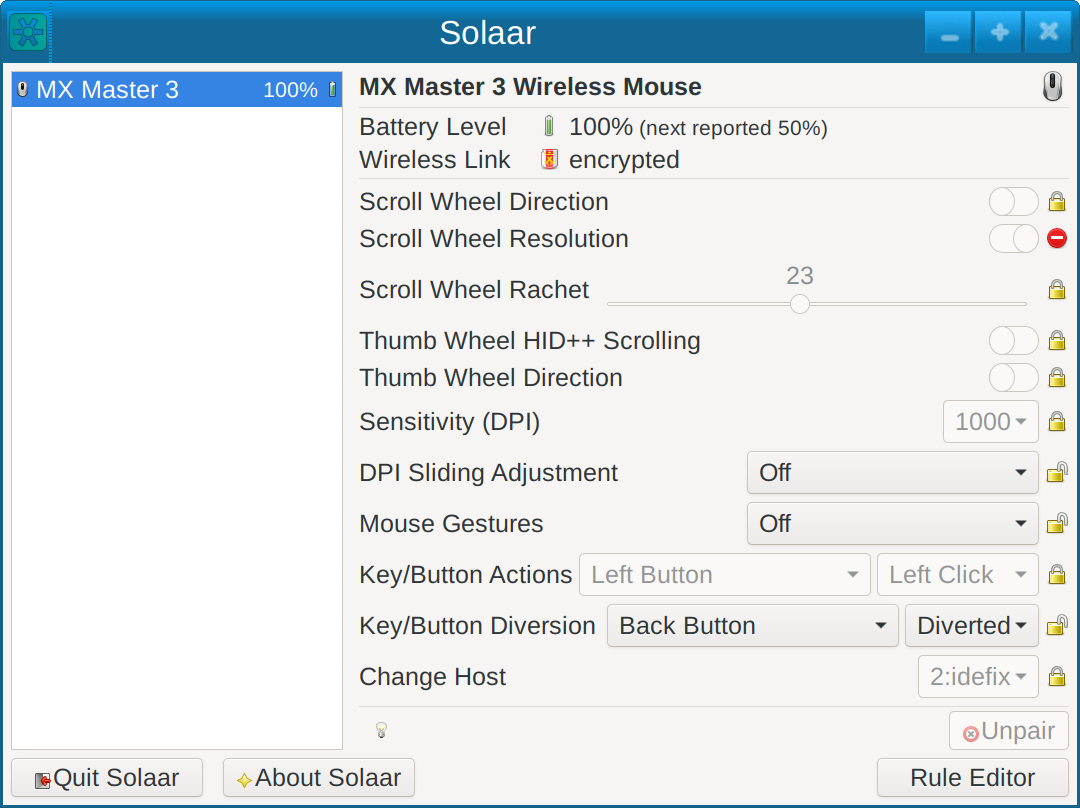
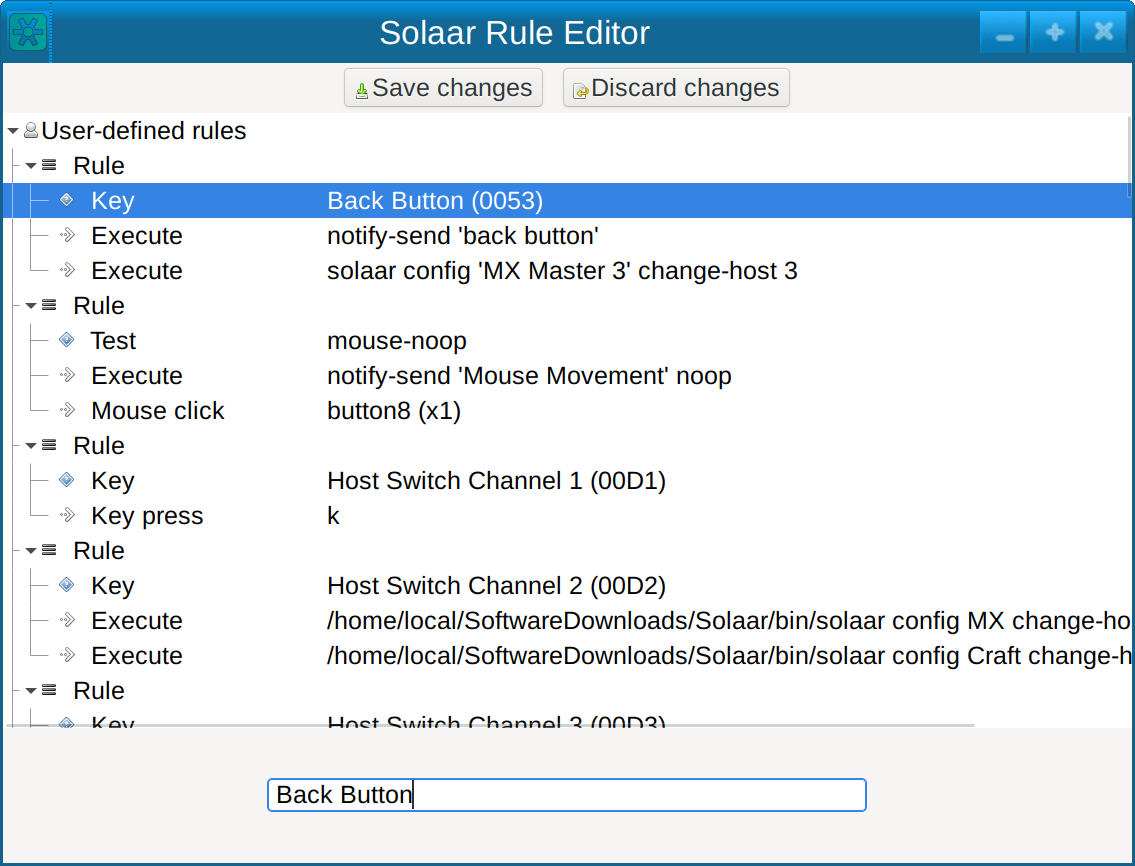
Solaar supports:
- pairing/unpairing of devices with receivers
- configuring device settings
- custom button configuration
- running rules in response to special messages from devices
For more information see the main Solaar documentation page. -
Installation Packages
Up-to-date prebuilt packages are available for some Linux distros (e.g., Fedora) in their standard repositories. If a recent version of Solaar is not available from the standard repositories for your distribution, you can try one of these packages:
- Arch solaar package in the extra repository
- Ubuntu/Kubuntu package in Solaar stable ppa
- NixOS Flake package in Svenum/Solaar-Flake
Solaar is available from some other repositories but may be several versions behind the current version:
- a Debian package, courtesy of Stephen Kitt
- a Ubuntu package is available from universe repository
- a Gentoo package, courtesy of Carlos Silva and Tim Harder
- a Mageia package, courtesy of David Geiger