 1cec4a6421
Summary - Add new Cashflow page with income/expense analytics, Sankey chart visualization, and trend analysis - Add Cashflow summary widget to the dashboard - Implement feature flag system using Laravel Pennant to control feature visibility per user - Add artisan commands to enable/disable features: `php artisan feature:enable/disable [feature] [email|all]` ## New Features - **Cashflow Page**: Period-based income/expense breakdown with category analysis - **Sankey Chart**: Visual flow diagram showing money movement between categories - **Trend Chart**: 12-month historical cashflow visualization - **Dashboard Widget**: Quick cashflow summary card - **Feature Flags**: Cashflow feature hidden behind feature flag, controllable per-user ## How to enable it This feature it's under a feature flag until we are sure it's working fine. If you want to test it, [send us a message on the general channel in our discord](https://discord.gg/9UQWZECDDv). If you're self hosting just run `php artisan feature:enable CashflowFeature {your_email}`. ## New Cashflow Page <img width="1278" height="1185" alt="image" src="https://github.com/user-attachments/assets/83469f24-9f96-4e5f-bef9-86c076d31243" /> <img width="1274" height="1035" alt="image" src="https://github.com/user-attachments/assets/8949ff9d-c370-4fc4-81c6-268307c587a5" /> ## New Dashboard Widget <img width="1180" height="289" alt="image" src="https://github.com/user-attachments/assets/ad984a66-9ffd-4079-85ce-0b2d28278d76" /> <img width="1179" height="286" alt="image" src="https://github.com/user-attachments/assets/bff60286-8ea2-4e9c-8fa6-22755566648f" /> |
||
|---|---|---|
| .cursor | ||
| .github | ||
| app | ||
| bootstrap | ||
| config | ||
| database | ||
| docker | ||
| public | ||
| resources | ||
| routes | ||
| src/lib/crypto | ||
| storage | ||
| templates/coolify | ||
| tests | ||
| traefik | ||
| .editorconfig | ||
| .env.example | ||
| .env.production.example | ||
| .gitattributes | ||
| .gitignore | ||
| .mcp.json | ||
| .php-cs-fixer.dist.php | ||
| .prettierignore | ||
| .prettierrc | ||
| .release-it.json | ||
| CHANGELOG.md | ||
| CLAUDE.md | ||
| Dockerfile | ||
| LICENSE.md | ||
| README.md | ||
| artisan | ||
| boost.json | ||
| bun.lock | ||
| components.json | ||
| compose.yaml | ||
| composer.json | ||
| composer.lock | ||
| docker-compose.production.yml | ||
| eslint.config.js | ||
| package-lock.json | ||
| package.json | ||
| phpunit.xml | ||
| tsconfig.json | ||
| vite.config.ts | ||
| vitest.config.ts | ||
| vitest.setup.ts | ||
README.md
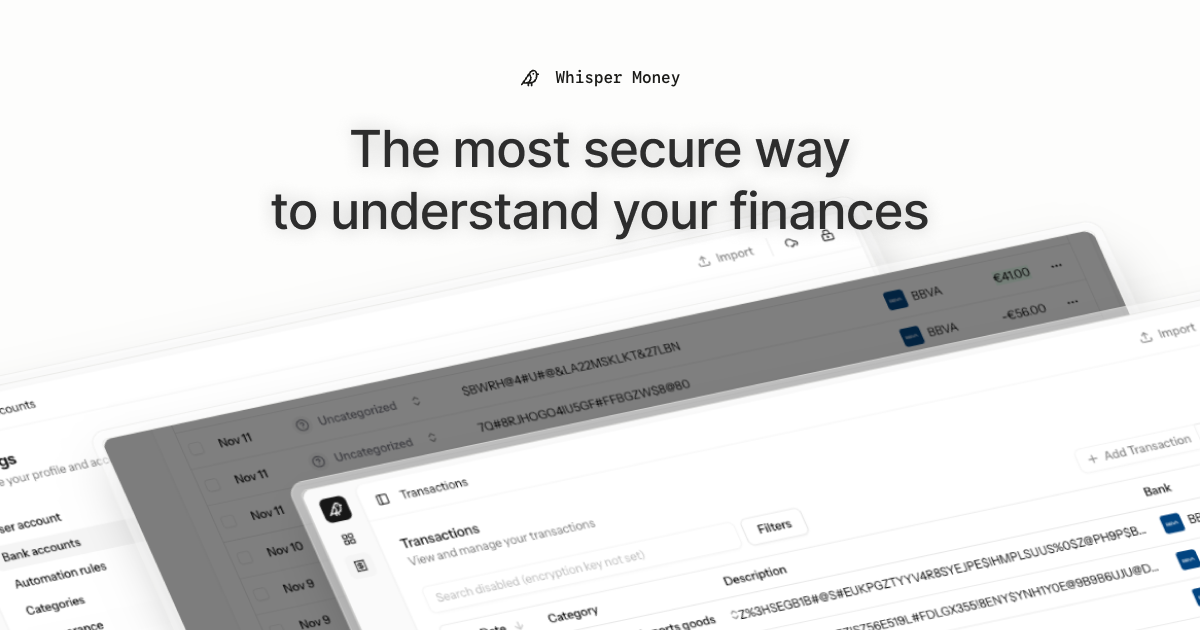
Deutsch | Español | français | 日本語 | 한국어 | Português | Русский | 中文
Whisper Money


The most secure way to understand your finances.
Whisper Money is a privacy-first personal finance application that helps you track, categorize, and understand your spending—all while keeping your financial data encrypted and secure.
💬 Join our Community: Whether you're a user looking for help or a developer wanting to contribute, we'd love to have you in our Discord server! Share feedback, ask questions, discuss new features, or just hang out with fellow privacy enthusiasts.
Features
- 🔐 End-to-end encryption — Your financial data stays private
- 🏦 Bank account management — Track multiple accounts in one place
- 📊 Transaction categorization — Automatic and manual categorization
- 🤖 Automation rules — Set up rules to auto-categorize transactions
- 📈 Financial insights — Understand your spending patterns
Tech Stack
- Backend: Laravel 12, PHP 8.4
- Frontend: React 19, Inertia.js v2, TypeScript
- Styling: Tailwind CSS v4
- Database: MySQL
- Cache/Queue: Redis
- Testing: Pest v4
Running Locally
Prerequisites
- Docker & Docker Compose
- Composer
- Node.js / Bun
Setup
- Clone the repository:
git clone https://github.com/whisper-money/whisper-money.git
cd whisper_money
- Copy the environment file:
cp .env.example .env
- Start the Docker services:
docker compose up -d
- Install dependencies and setup the application:
composer setup
- Start the development server:
composer run dev
This will concurrently start:
- PHP development server
- Queue worker
- Log viewer (Pail)
- Vite dev server
The application will be available at https://whispermoney.test.
Running with Docker (Production Image)
For testing the production Docker image locally:
- Copy the production environment file:
cp .env.production.example .env
- Start the services:
docker compose -f docker-compose.production.yml up -d
The application will be available at http://localhost:8080.
To use a different port, set APP_PORT:
APP_PORT=3000 docker compose -f docker-compose.production.yml up -d
Deploying to Coolify
Whisper Money can be easily deployed to Coolify using our Docker Compose template.
Quick Deploy
- In Coolify, create a new resource and select Docker Compose
- Choose Empty Compose File as the source
- Paste the contents from our template: 👉 whisper-money.yaml
- Deploy!
The template includes:
- Whisper Money application container
- MySQL 8.0 database with health checks
- Persistent volumes for data and storage
- Auto-generated database credentials
Required Environment Variables
| Variable | Description |
|---|---|
RESEND_API_KEY |
Email service API key (for password resets, notifications) |
Note:
APP_KEYandAPP_URLare auto-configured. The container generates anAPP_KEYon first startup if not provided.
Optional Environment Variables
| Variable | Default | Description |
|---|---|---|
DRIP_EMAILS_ENABLED |
true |
Enable drip emails (welcome, onboarding, feedback) |
HIDE_AUTH_BUTTONS |
false |
Hide login/register buttons on landing page |
SUBSCRIPTIONS_ENABLED |
false |
Enable Stripe subscriptions |
STRIPE_KEY |
- | Stripe publishable key |
STRIPE_SECRET |
- | Stripe secret key |
STRIPE_WEBHOOK_SECRET |
- | Stripe webhook signing secret |
License
This work is licensed under a Creative Commons Attribution-NonCommercial 4.0 International License.